
Beginners Guide To Motorola ASTRO 25 CPS Video Series
A Comprehensive Series of "How-To" Instructional Videos.
Introduction To Motorola ASTRO 25 CPS
Welcome to the Beginner’s Guide to Motorola ASTRO 25 CPS video series. A comprehensive 2+ hour series consisting of ten easy-to-follow “How-To” instructional videos. These videos are specifically designed for individuals who are new to the Motorola Customer Programming Software (CPS) and want to gain confidence in using it to program their Motorola ASTRO 25 series radios.
Each video provides step-by-step guidance on how to effectively navigate and utilize CPS Package R20.01.00 (Motorola Part Number: RVN4186). Whether you’re learning the basics or exploring more advanced features, these lessons will help you build a strong understanding of the software and its capabilities.
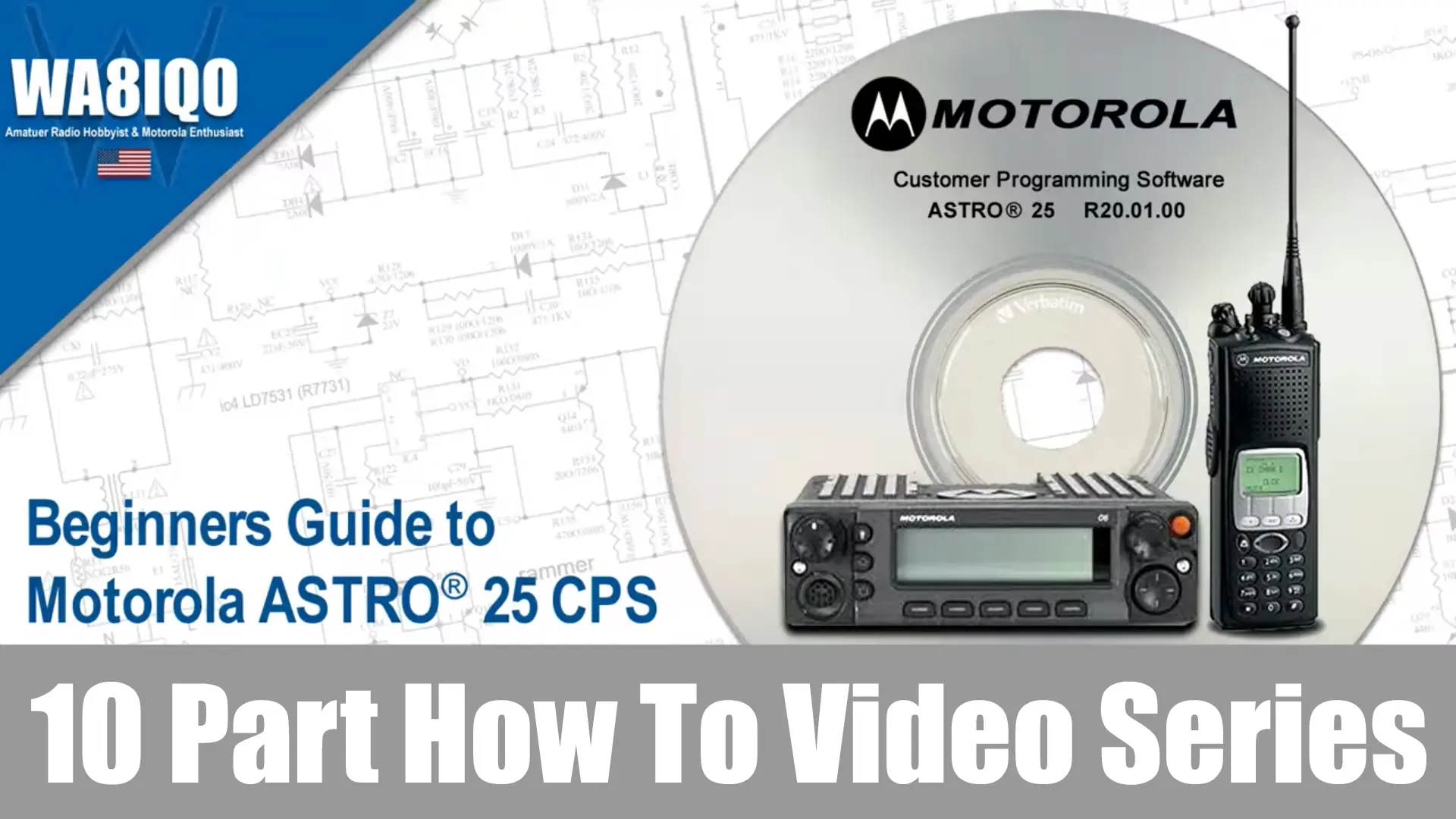
NOTE: The Motorola ASTRO 25 CPS video series is directed to the following Motorola Radio Models; XTS 1500, XTS 2500, XTS 2000, ATS 3000, XTS 4000, XTS 5000, SSE 5000, MT 1500, PR 1500, ASTRO Spectra Plus, XTL 1500, XTL 2500, XTL 5000, PM 1500 and HPD 1000 modem.
Throughout the video series, you will uncover hidden features and useful tips that may not be immediately obvious, making the software more accessible and intuitive to use. By the end of this master class you will have the knowledge and skills necessary to confidently program radio using Motorola ASTRO 25 CPS. The how-to video series will save you time and reduce the frustration often associated with complicated Motorola customer programming software.
With a focus on clarity and simplicity, each video breaks down complex tasks into manageable and easy to under stand steps. Whether you’re setting up radios for yourself, a small team or managing a larger fleet, each tutorial will ensure you’re well-informed to get the job done efficiently.
If you do not have a copy of the Customer Programming Software (CPS), I highly recommend reading my post on How to Download FREE and LEGAL Motorola ASTRO 25 CPS directly from the Motorola Customer Hub. It’s always best to use legitimate version of software instead of attempting to use illegal copies from un-trusted sources. I strongly advise against obtaining Motorola ASTRO 25 CPS from non-authorized providers, especially now that you can download the latest official version for yourself for free.
- Welcome To CPS
- Ribless Programming Cables
- ASTRO® Spectra Special Consideration
- Radio Wide Fundamentals
- Channel Structure
- Programming
- In Conclusion
- Ribless Programming Cables
- Port Selection – CPS to Radio Communications
- Accessing and Using the Tree View
- Using and Understanding the Help System
- Locating and Using Field Access Information
- Using the CPS Custom Printing Tool
- Creating, Deleting and Defining Conventional Modes
- Dragging and Dropping Personalities to Zones Zone Channel Assignment Wizard
- Channel Picklist
- Accessing and Using CPS-User Preference Settings
- Import & Export
- Frequency Offset
- Show Aliases on Tree View
- Show Aliases for Selections
- Front Panel Programming
- POP25 of a Single Radio
- POP25 Batch Programming
- Text Messaging
- Multiple Control Head & Intercom
- In-Call User Alert
- Programming with a Pocket PC
- Network Radio Programmer
- Channel Announcement
- Radio Location
- Backlight Color
- CPS Reports
- High Performance Data Modem
- Feature Access Setup
- CPS Password
- Read/Write Password
- FLASHport Model Upgrades
- FLASHport Warning for New Control Heads
- Understanding the new FLASHport Hardware
- Understanding and Completing the FLASHport Upgrade
- Importing a Single System Key
- System Key File Location
- Advanced Keys Administrator
- Finding CPS Features
- Using the Navigation Toolbars with All Screen Types
- Using the Productivity Toolbar with All Screen Types
- Using the Alternate Table View and the Short Cut Menu
- Launch Current Record
- Save Invalid Data
- Import & Export
- Fill Through
- Macro Bar
- Dragging and Dropping Personalities to Zones
- Zone Channel Assignment Wizard
- Frequency Offset
- Frequency Picklist
- Channel Picklist
- The Basics Concepts
- Nodes Across Applications
- Nodes Across Frequency Bands
- The Drag and Drop Report
- Personalities to Zones
- Clone Wizard
- Clone Express
Your learning journey in this Motorola ASTRO 25 CPS video series begins with an introduction to the basics of using ribless programming cables, along with important ASTRO Spectra considerations. You’ll also dive into radio-wide fundamentals, learning how to structure channels and program them effectively.

