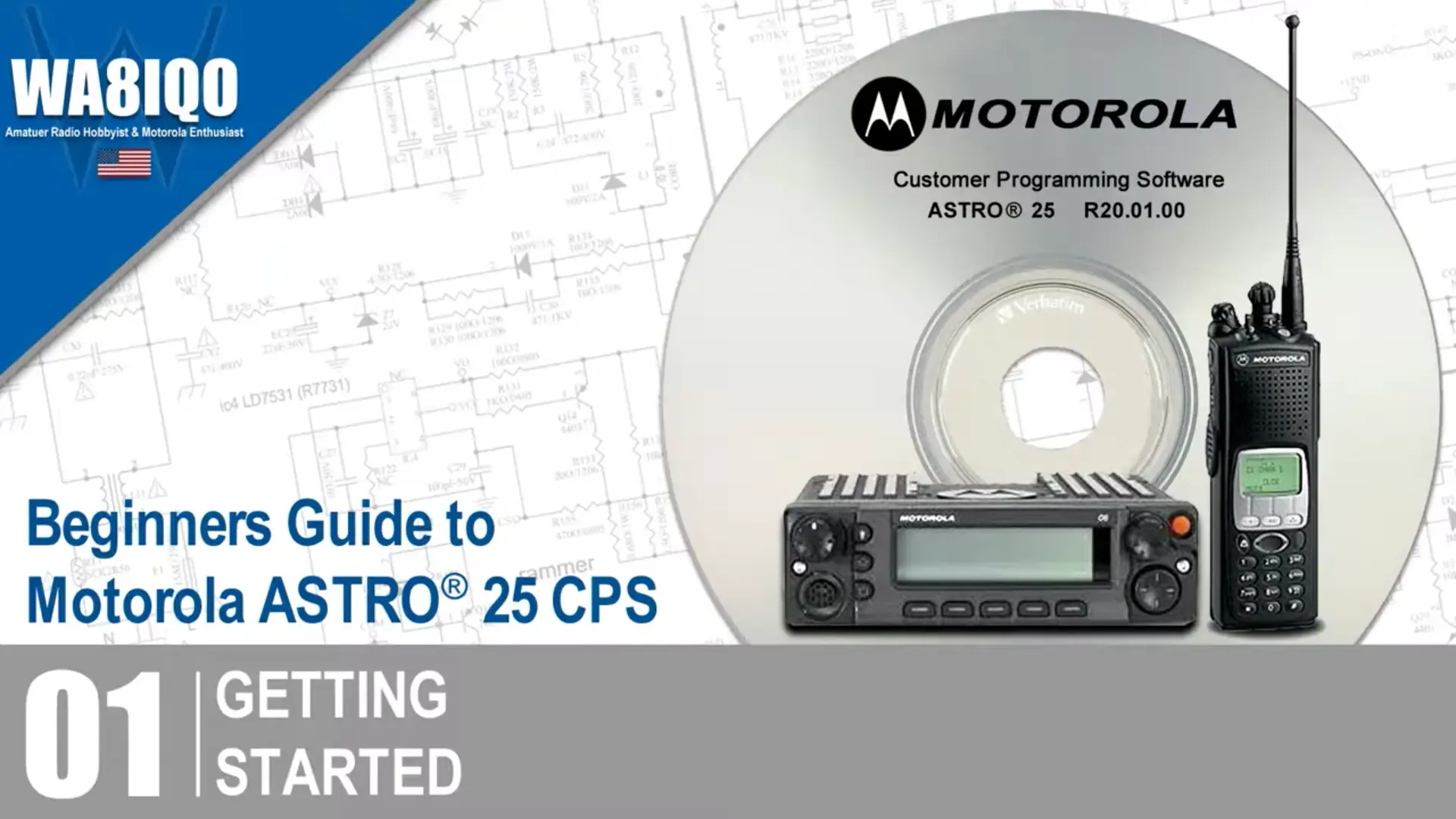
01: Getting Started
Your learning journey in this video series begins with an introduction to the basics of using ribless programming cables, along with important ASTRO Spectra considerations. You'll also dive into radio-wide fundamentals, learning how to structure channels and program them effectively.
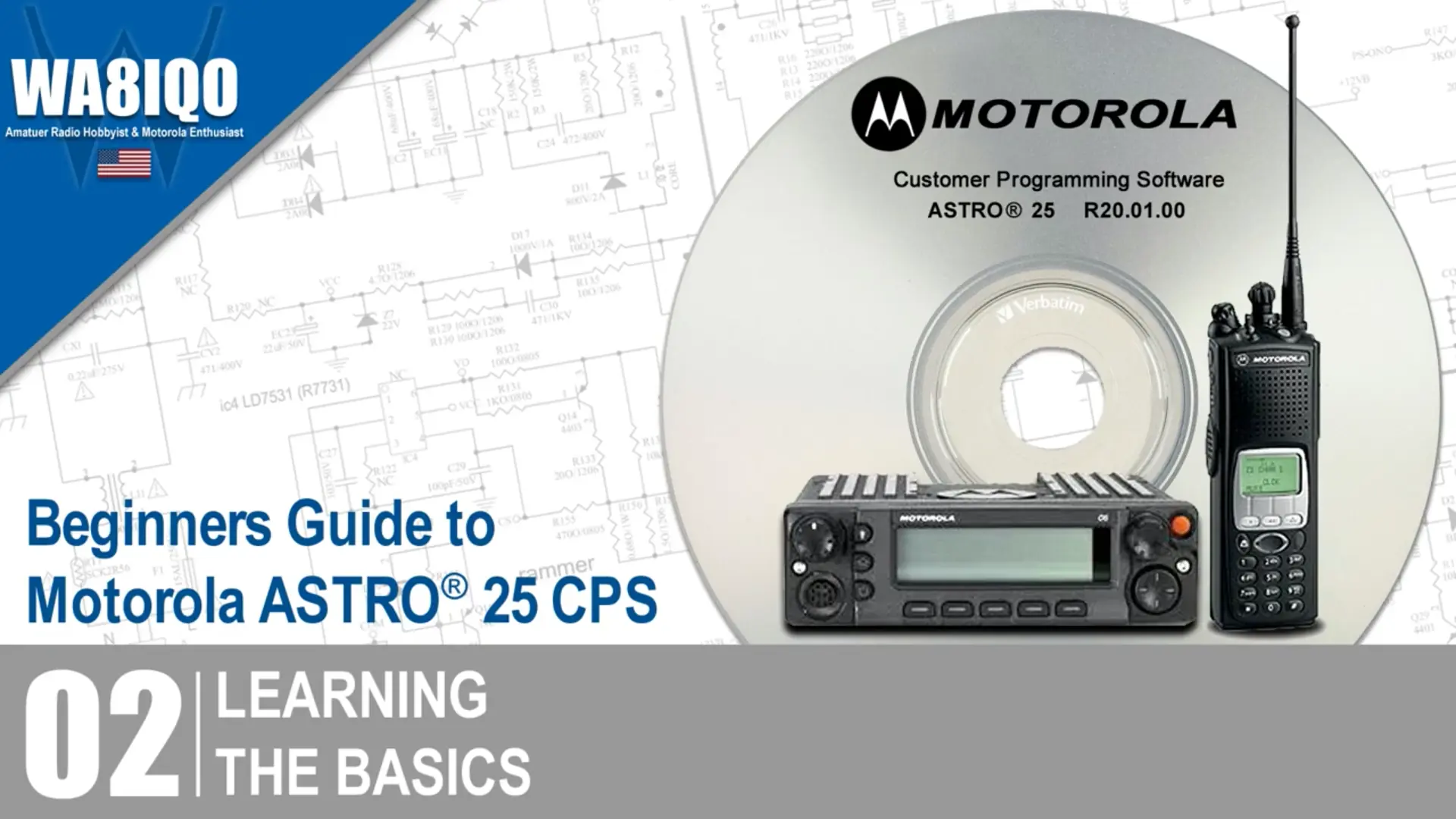
02: Learning The Basics
Once you have a solid foundation with the basics, your learning journey continues by taking you through the initial steps of connecting your CPS to the radio, how to use the Tree View to navigate the interface, and how to leverage the Help System for easy troubleshooting. You'll also explore field access information and get familiar with the custom printing tool for generating reports.
03: Setting Up CPS Channels
Next you'll work on channel setup in detail, from creating and deleting conventional modes to organizing channels into zones using the drag-and-drop functionality. The Zone Channel Assignment Wizard and Channel Picklist will also be demonstrated for easy organization and management.
04: Defining CPS User Preferences
Customizing the CPS experience by adjusting your user preference settings will improve your proficiency. You'll learn how to import/export data, handle frequency offsets, and set up alias displays in the Tree View to make navigation smoother.
05: Using CPS Special Features
It's all about the features that elevate your programming experience. This video covers everything from front panel programming and single-radio POP25 programming, to batch programming multiple radios and utilizing text messaging. You’ll also learn how to set up multiple control heads, manage in-call user alerts, and programming using a pocket PC and more.
06: Using CPS Security Features
Focusing on securing your software and radios features should be a priority. You’ll be introduced to the Feature Access Setup, CPS passwords, FLASHport upgrades, and how to manage system keys. Understanding these security settings is essential for ensuring your feature set and firmware is correct and up-to-date.
07: Navigating The CPS
Next you'll walk through the interface and how to quickly find features, use navigation and productivity toolbars, and understand alternate table views. Video seven also teaches you how to launch the current record and save invalid data to prevent programming errors.
08: Entering CPS Data
Get a hands-on look at how to efficiently input and export data, including using macros, dragging and dropping elements, and managing frequencies with the Picklist and Channel Picklist and more. You'll also see how the Zone Channel Assignment Wizard helps streamline the process.
09: Dragging and Dropping Personalities To Zones
Now that were coming to the end of this series, we should discuss the core concepts of drag-and-drop functionality, including how to move nodes across applications and frequency bands. You’ll also learn how to generate reports and assign your personalities to zones in a simple, intuitive way.
10: Cloning CPS Data
Now that were at the end of this video series, you should have a comprehensive understanding of how to use the ASTRO 25 CPS software to program and manage your radio with ease, making you an expert! We will now wrap up this series by learning how to clone data across multiple radios using the Clone Wizard and Clone Express tools. This is a critical feature for managing large fleets of radios quickly and efficiently.