A Motorola Programming Series
Understanding Modern Motorola CPS Programming
Motorola RSS to CPS: How Radio Programming Evolved
What is
Motorola Depot Software?
What is Motorola Depot Software? (Legacy Service Programming Explained)
Motorola radio programming did not evolve in a single straight line. Instead, it developed through multiple tool sets designed for different roles, environments, and levels of access.
Most users today are familiar with Customer Programming Software (CPS), and some may have heard of the older Radio Service Software (RSS). However, there is another lesser-known but important layer in Motorola’s programming ecosystem: Depot software.
To many, the Motorola Depot software is just an illusive, mystical unicorn. Despite attempts to conceal it’s existence threw the use of what some reefer to as CIA level propaganda and disinformation tactics, it is very real and alive and well! Depot software was not designed for everyday users or field technicians. It was built for controlled service environments, typically operated by in house authorized Motorola service departments at factory level repair facilities.
This article explains what Depot software was, how it was used, and where it fits in the broader evolution of modern Motorola programming tools of today.
Understanding the Motorola Programming Ecosystem
To understand Motorola Depot software, it helps to place it within the broader context of a programming evolution:
Crystal-controlled radios (hardware-based tuning)
RSS (Radio Service Software – DOS-based programming)
Depot software (service-level programming and repair tools)
CPS (Customer Programming Software – modern Windows-based system)
Each stage served a different purpose and user group. Depot software sits in a unique position between RSS and CPS, focusing more on service, repair, and deep configuration access rather than everyday programming.
What Motorola Depot Software Was Designed For
Motorola Depot software was used primarily in authorized service environments, such as:
Motorola repair depots
Factory service centers
Authorized dealer repair facilities
Technical service departments
In many cases, Depot tools provided access beyond what standard RSS or CPS users could modify. Its main purpose was not general radio programming, but rather:
Deep system diagnostics
Repair-level configuration
Hardware-level troubleshooting
Radio recovery and restoration
How Depot Software Differed from RSS and CPS
Motorola Depot software is often misunderstood because it overlaps conceptually with both RSS and CPS, but it served a different function.
RSS (Radio Service Software)
Used for programming radios
DOS-based interface
Field and technician level tool
CPS (Customer Programming Software)
Modern Windows-based programming tool
Designed for end users and system administrators
Focused on configuration and deployment
Motorola Depot Software
Service and repair focused
Used in controlled environments
Often included diagnostic and recovery functions
Not intended for general field use
Depot software was essentially a higher-privilege service layer in the Motorola ecosystem.
Who Used Motorola Depot Software
Unlike RSS and CPS, Motorola Depot software was not widely distributed. It was typically only used by:
Motorola-certified technicians
Factory service engineers
Authorized repair centers
Select dealer-level service departments
Access was often restricted due to:
Licensing controls
Hardware authorization requirements
Service agreement limitations
This restricted access is one reason Depot software is less commonly seen or discussed today.
Key Functions of Motorola Depot Software
Depot tools were used for tasks that went beyond normal programming. This included:
1. Radio Diagnostics
Technicians could perform in-depth testing of:
RF performance
Signal paths
Hardware response behavior
2. Repair and Recovery Operations
Depot software could assist in:
Restoring corrupted radios
Recovering damaged codeplugs
Reinitializing system parameters
3. Advanced Configuration Access
In some cases, Depot tools allowed:
Deeper system parameter adjustments
Factory-level settings access
Service-only configuration changes
4. Firmware and Service-Level Updates
Depot environments often included:
Controlled firmware loading
Repair-based software updates
Validation of hardware revisions
Transition to the Motorola Online Service Ecosystem
From Local Software to Cloud-Based Service Access Only
As Motorola radio systems evolved, traditional Depot software did not simply disappear, it was gradually replaced by online, portal-based service systems operated and controlled directly by Motorola.
Instead of technicians using locally installed Motorola Depot software, most service-level functions are now handled through secure, web-based platforms such as Motorola Online Service and Support Portal (often referred to within the industry as Motorola Solutions service infrastructure).
This shift reflects a broader change in how Motorola manages software, licensing, and radio lifecycle support.
Historically, Motorola Depot software required:
Dedicated installation on service computers
Licensed software packages
Controlled offline environments
Physical presence in a repair facility
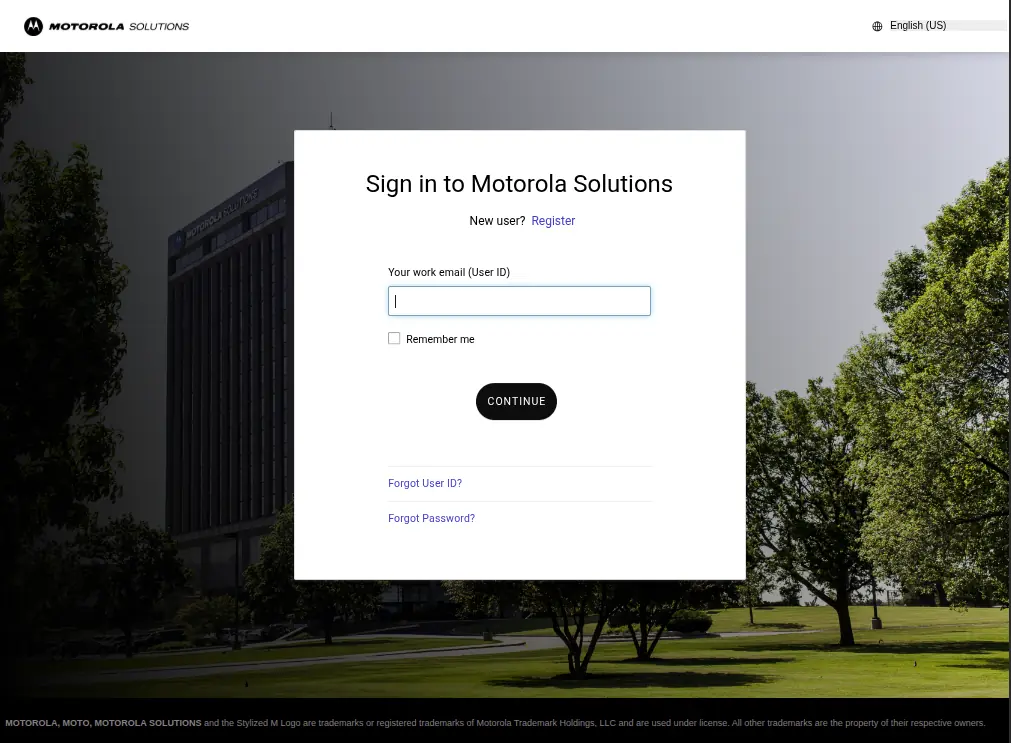
Modern Motorola service systems moved away from this model. Today, many functions are handled through:
Secure web portals
Account-based authentication systems
Subscription or entitlement-based access
Cloud-managed service workflow
This reduces dependency on local software installations and improves control over software distribution. While preventing sharing and access to proprietary technology. This means communications hobbyist like Amateur Radio operators are out of luck. But hey, look on the bright side we can now Download FREE and Legal Motorola CPS for personal use.
What Replaced Depot Software Functionality
While “Depot software” as a standalone tool is largely no longer used in the same form, its responsibilities have been redistributed into the modern cloud based eco systems.
1. Online Service Portals
Online service portals like the Motorola Customer HUB now handles:
- Service documentation access
- Firmware downloads (where permitted)
- Software licensing and entitlements
- Account-based access control
2. Centralized Software Distribution
Instead of standalone Depot packages:
- CPS downloads and updates are controlled online
- Access is tied to authorized accounts
- Version control is centrally managed
Read my article to learn how to sign up for a Motorola customer account, learn how to registered for access to the correct database, and learn how to locate the most recent CPS version available for download.
3. Controlled Service Workflows
Advanced repair and diagnostic workflows that were once part of Motorola Depot software based environments are now:
- Restricted to authorized service accounts
- Integrated into Motorola’s support ecosystem
- Managed through structured service requests and tools
Why Motorola Moved Away from Depot Software
The transition to the new online service platforms was driven by several factors:
Security and Control
Reduced risk of unauthorized software distribution
Better control over firmware and service tools
Centralized licensing enforcement
Software Standardization
Eliminated inconsistent local software versions
Ensured all technicians use approved releases
Reduced compatibility issues across systems
Modern Infrastructure Requirements
Radios became IP-connected and digitally managed
Service tools needed to support remote workflows
Enterprise customers required centralized control systems
How This Fits Into the Evolution Chain
This transition into cloud services completes the Motorola programming ecosystem timeline:
Crystal-controlled radios → hardware-based operation
RSS → local DOS-based programming
CPS → Windows-based customer programming
Depot software → service-level repair tools
Online service portals → centralized cloud-based support system
This final stage represents the shift from locally installed and controlled tools to a restrictive and managed service ecosystem.
When CPS was introduced, it did not fully replace Depot software because they served different purposes. CPS was designed to:
Simplify programming
Support customers and field technicians
Standardize configuration workflows
Depot software, however, was focused on:
Repair workflows
Factory-level diagnostics
Controlled service access
Instead of being merged directly, many Depot functions were either:
Integrated into service-only tools
Replaced with newer diagnostic systems
Kept internal within Motorola service infrastructure
Depot software plays an important role in understanding how Motorola systems evolved.
It represents the service backbone layer between:
Field programming tools (RSS/CPS)
Hardware repair and factory service systems
Even though most users never interacted with Depot software directly, it supported the reliability of Motorola radio systems behind the scenes. In practical terms, it helped ensure that radios could be:
Diagnosed at a deeper level than CPS allowed
Repaired instead of replaced
Restored after configuration or firmware failure
Even though Depot software is largely obsolete or internalized in modern systems, it still matters for several reasons:
Many older radios and systems still in use today were supported through Depot workflows.
Some repair knowledge and terminology still originates from Depot-era processes.
Depot software helps complete the picture of Motorola’s programming ecosystem between RSS and CPS.
Motorola's site lists CPS R11.00 as the most current download available for MOTOTRBO/APX/Depot CPS. While R15.00.00 was the last version of ASTRO25 Depot CPS.
Summary of Motorola Programming Evolution
Across this three-part series, Motorola programming has evolved through several distinct stages:
Part 1: Modern CPS programming (current workflow)
Part 2: RSS to CPS transition (evolution of tools)
Part 3: Depot software (service and repair layer)
Each system served a different role:
RSS focused on early programming
CPS modernized user access and configuration
Depot supported deep service and repair operations
Together, they form a complete picture of how Motorola radio programming developed over time.
Final Thoughts
Motorola Depot software represents a lesser-known but important part of radio programming history. While most users today interact only with CPS, understanding Depot tools provides insight into how Motorola supported advanced diagnostics and repair workflows behind the scenes.
When viewed alongside RSS and CPS, Depot software completes the broader story of how Motorola built a layered programming ecosystem that could support everything from simple field configuration to deep service-level repair.
Frequently Asked Questions (Motorola Depot Software)
What is Motorola Depot software used for?
Motorola Depot software was used in authorized service environments for diagnostics, repair, and deep system configuration of radios.
Is Depot software the same as CPS?
No. CPS is used for customer programming and configuration, while Depot software was used for service-level diagnostics and repair operations.
Who had access to Motorola Depot software?
Access was typically limited to Motorola-certified technicians, authorized repair centers, and factory service personnel. However, if you knew were to look, you could find the occasional forien “hacker” site online that made it available for download, but only if you had something of value to trade.
Can Depot software be used to program radios like CPS?
Not in the same way. Depot software was not designed for general programming tasks and focused more on service and recovery functions.
Why is Depot software important in Motorola history?
It represents the service and repair layer of Motorola’s programming ecosystem and helps explain how radios were supported beyond normal programming tools.
What replaced traditional Motorola Depot software?
Traditional Motorola Depot software was gradually replaced by Motorola’s online service and support platforms, which centralize software distribution, licensing, firmware access, and service workflows through secure web-based systems.
What are Motorola online service portals used for?
Motorola online service portals are used for tasks such as:
- Software downloads
- Firmware access
- Licensing and entitlements
- Service documentation
- Repair and support workflows
- Account and subscription management
Can anyone access Motorola online service tools?
Access to many Motorola service tools and downloads is restricted to authorized users, dealers, service centers, or customers with approved accounts and licensing entitlements.
Read my article on How To Download FREE and LEGAL Motorola CPS to learn how to sign up for a Motorola customer account, learn how to registered for access to the correct database, and learn how to locate the most recent CPS version for download.
Part 1: Describes how modern Motorola radios are programmed using CPS software, including codeplugs, programming methods (USB, cloning, FPP, and OTAP), required drivers and firmware considerations, and the basic workflow used to configure and deploy radios today.
A Motorola Programming Series
Understanding Modern Motorola CPS Programming
Motorola RSS to CPS: How Radio Programming Evolved
What is
Motorola Depot Software?

